GLENN’S NOTES ON DESKS, BOOKS & DAILY LIFE
good signalBY GLENN
THE GEAR GUIDE

Start small.
Upgrade for a reason.

Use your phone or built-in camera first. If a test recording shows a problem you can’t fix with placement or lighting, these are camera and microphone options to compare.

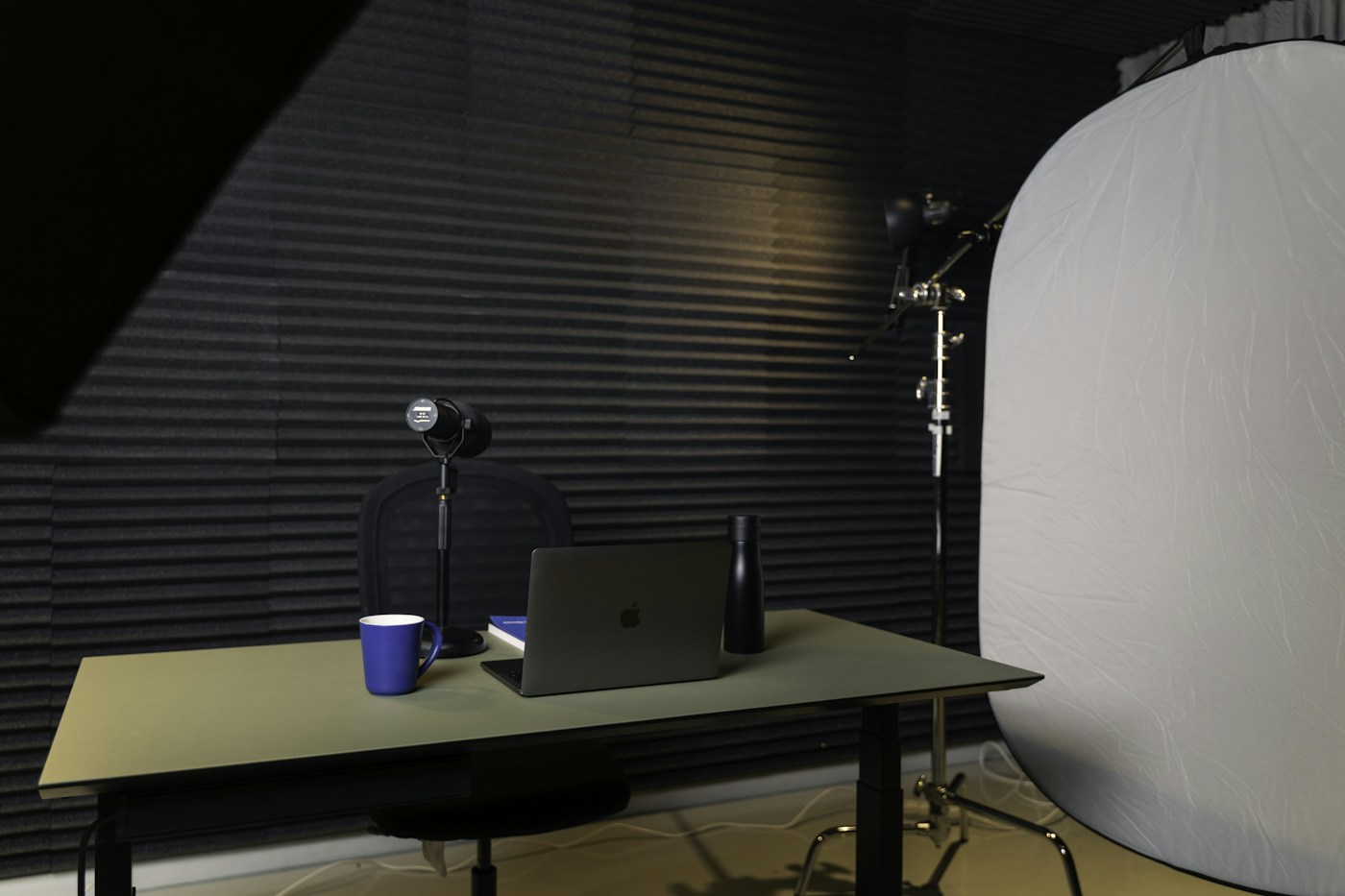
A recording desk with a laptop and microphone
Reference photograph. Photo credit.
A QUICK STARTING POINT

What’s getting in the way?

Start with a short test recording on the phone you already own.

CAMERAS

Two straightforward webcam options.

SIMPLE USB WEBCAM

Logitech C920s

A familiar Full HD 1080p webcam with a privacy shutter. Worth considering if you want a camera that can stay at the computer and your current camera is awkward to use.

What to check

It is a fixed-lens webcam, not a lens system. Check current operating-system and app support. Lighting still determines much of the result.

Manufacturer details ↗
MORE IMAGE CONTROL

Elgato Facecam MK.2

A 1080p60 webcam with camera controls through Elgato’s software. Consider it if you know which exposure or image-control limitation you need to address.

What to check

Check the required USB connection and computer/software support. It has a fixed lens and does not use the lenses on my setup page.

Manufacturer details ↗
MICROPHONES

Two USB/XLR options.

USB vs XLR explained →
STRAIGHTFORWARD USB START

Audio-Technica ATR2100x-USB

A dynamic microphone with USB and XLR outputs. USB lets it connect to a compatible computer without adding an audio interface for that connection.

What to check

It needs sensible placement close to the speaker. Check the accessories included in the exact listing and leave space for a stand.

Manufacturer manual ↗
A MORE INVOLVED UPGRADE

Shure MV7+

A dynamic microphone with USB-C and XLR connections, plus software features when used in the supported USB workflow.

What to check

The price and mounting needs make more sense when you record often. Check whether your selected package includes a stand.

Manufacturer details ↗
A NEWER ALTERNATIVE TO MY A5100

Sony ZV-E10 II

A newer Sony E-mount APS-C interchangeable-lens camera with 4K video and USB streaming. It is a newer option in the same lens system as my a5100.

The Sony E-mount versions of my lenses are the relevant mount choice, but always verify the exact version and manufacturer compatibility. Manual lenses stay manual.

Sony product information ↗

Price the whole setup.

A body-only camera needs a lens. Add mounting, suitable power, and any required connection hardware to the decision. Sony’s USB streaming resolution depends on settings, cable, and host USB support.

Read Sony’s streaming requirements ↗

Or make the first recording with your phone →