USB or XLR microphone: which one fits your desk?
For one person at a computer, USB is usually the simpler route. XLR makes sense when the rest of the audio system needs it.
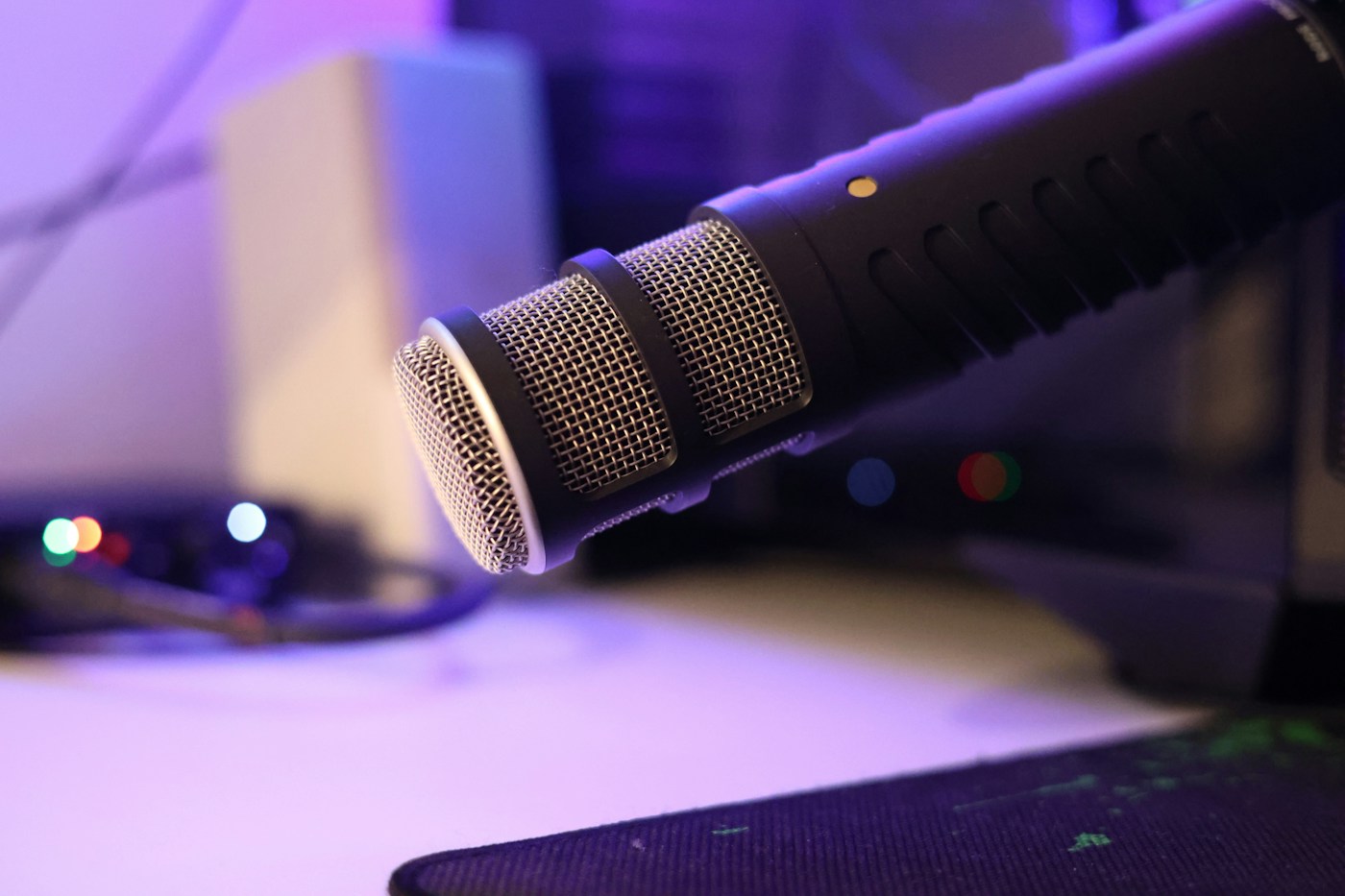
What changes at the connection
A USB microphone includes the conversion needed to send digital audio to a compatible computer. An XLR microphone normally connects to an audio interface or mixer, which handles that job before sending audio onward. An ordinary XLR cable alone does not connect a microphone to a USB port.
Begin with the number of speakers
For one seated speaker, a USB mic can keep the chain short. For several people in the same room, an interface with enough microphone inputs often gives clearer control over separate channels. Running multiple USB microphones together can depend on operating-system and software support; check before building a plan around it.
Work out the full cost
Include the stand, cable, interface if needed, and monitoring headphones. A more expensive microphone can still sound poor when it is too far away in an echoing room. Check the manufacturer’s recommended positioning and leave room to bring it close without blocking your keyboard or screen.
A hybrid leaves an option open
Models such as the Audio-Technica ATR2100x-USB and Shure MV7+ provide USB and XLR connections. They can start on USB without requiring you to buy an interface for that mode. Connection options are only part of the choice: size, mounting, included accessories, and how close you can speak all matter.