Try these lighting changes before replacing your webcam.
A bright window behind you and a dark face are a room problem first.
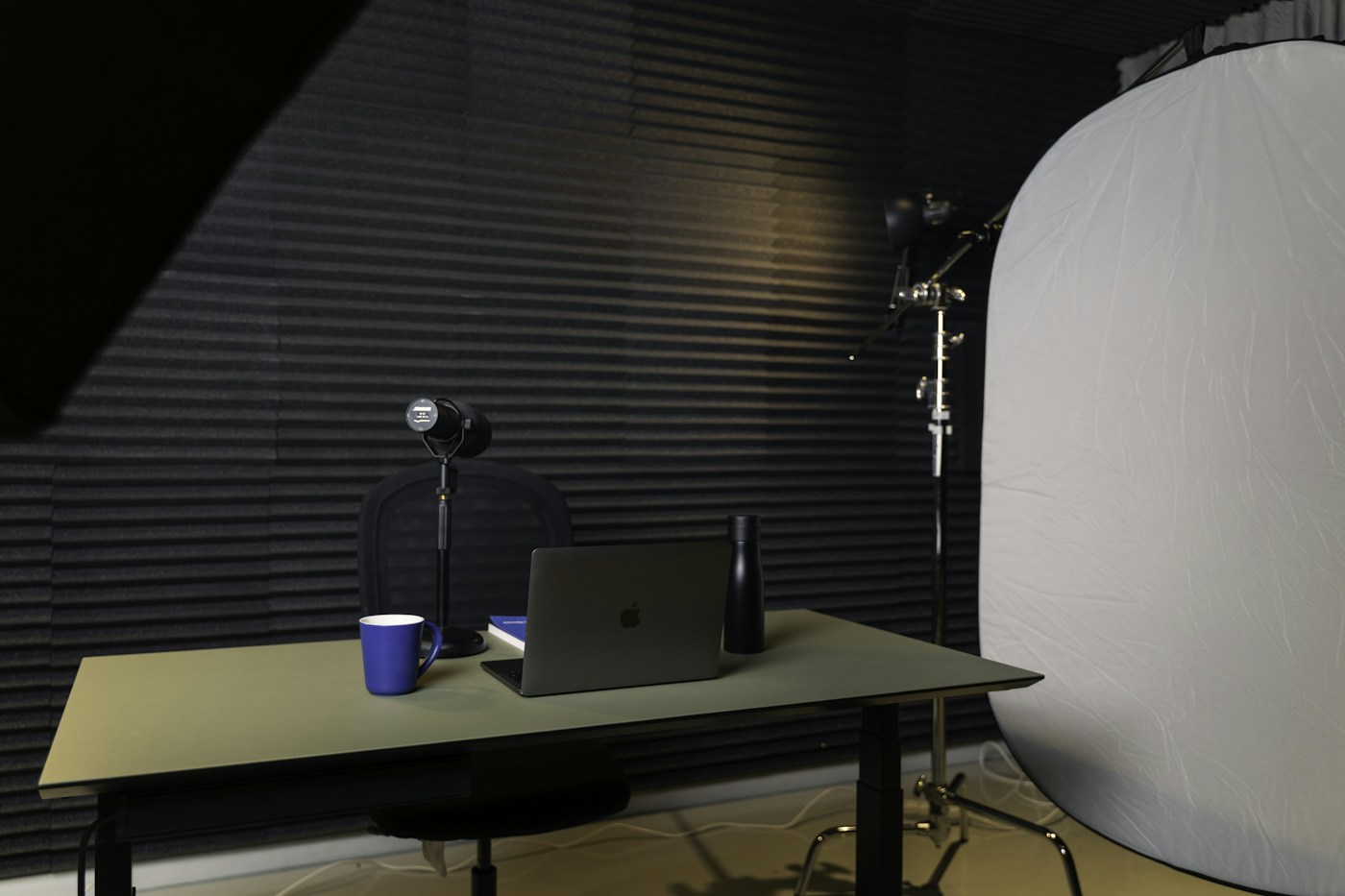
Turn the setup around
If the room allows it, face the window. A camera exposing for a bright background can leave the face dark. Move sideways to soften direct sunlight, and compare a short recording before and after. Do not judge only by the small preview window.
Put the main light where it helps
Place a soft light in front and slightly to one side, then adjust it while watching the image. A light directly above can put shadows under the eyes. If glasses reflect the light, change its height or angle rather than turning it up. Avoid placing unstable lamps on stacks or draping material over a bulb.
Reduce changes during a session
Daylight moves. For a longer recording, draw a curtain partway or use a consistent room light if that gives a more stable image. Mixed warm and cool lamps can make color harder to control. Start with fewer sources and compare, changing one thing at a time.
Know when a webcam upgrade helps
Consider another camera after you can name a remaining limitation: framing, manual controls, frame rate, or image quality in your actual room. Check connection and software requirements. A dedicated camera also adds power, mounting, and sometimes capture hardware, so compare the whole arrangement.